Edit in a sentence
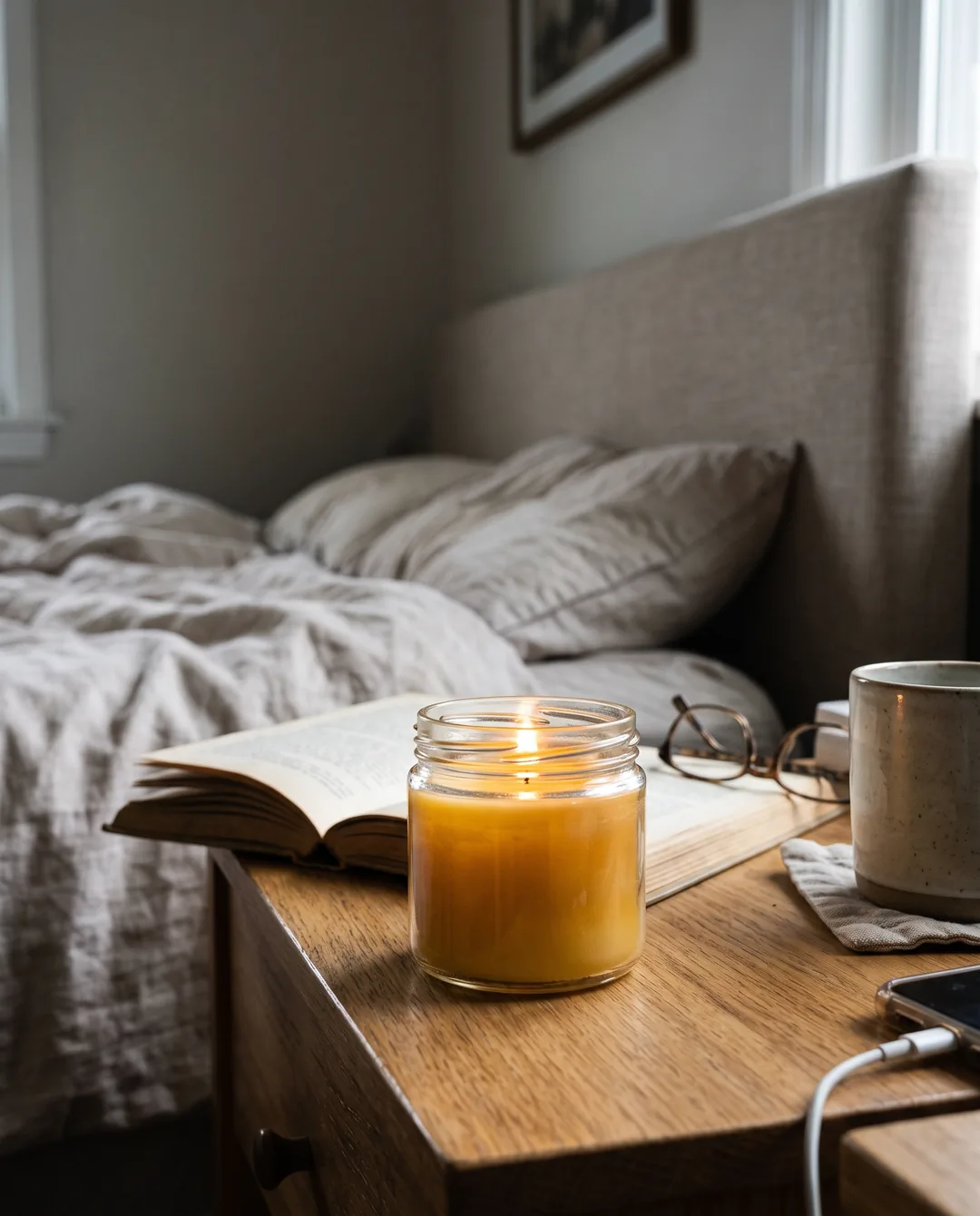
Say what should change, like “warmer light” or “on a marble counter”. You get a new version with that change, your product as it was, and the original stays.
What should change?
Warmer light, like a cosy evening
AI Ad CreatorNew
Pick a product from your Shopify store. The AI Ad Creator turns its photo into ad images in 5 styles and 3 formats, and into short videos for Stories and Reels. Your product stays exactly as it is, and you approve every one.
Your 14-day free trial includes 5 AI ad images. No card. Then 40 to 400 images and 3 to 30 videos a month on Starter, Growth and Scale.
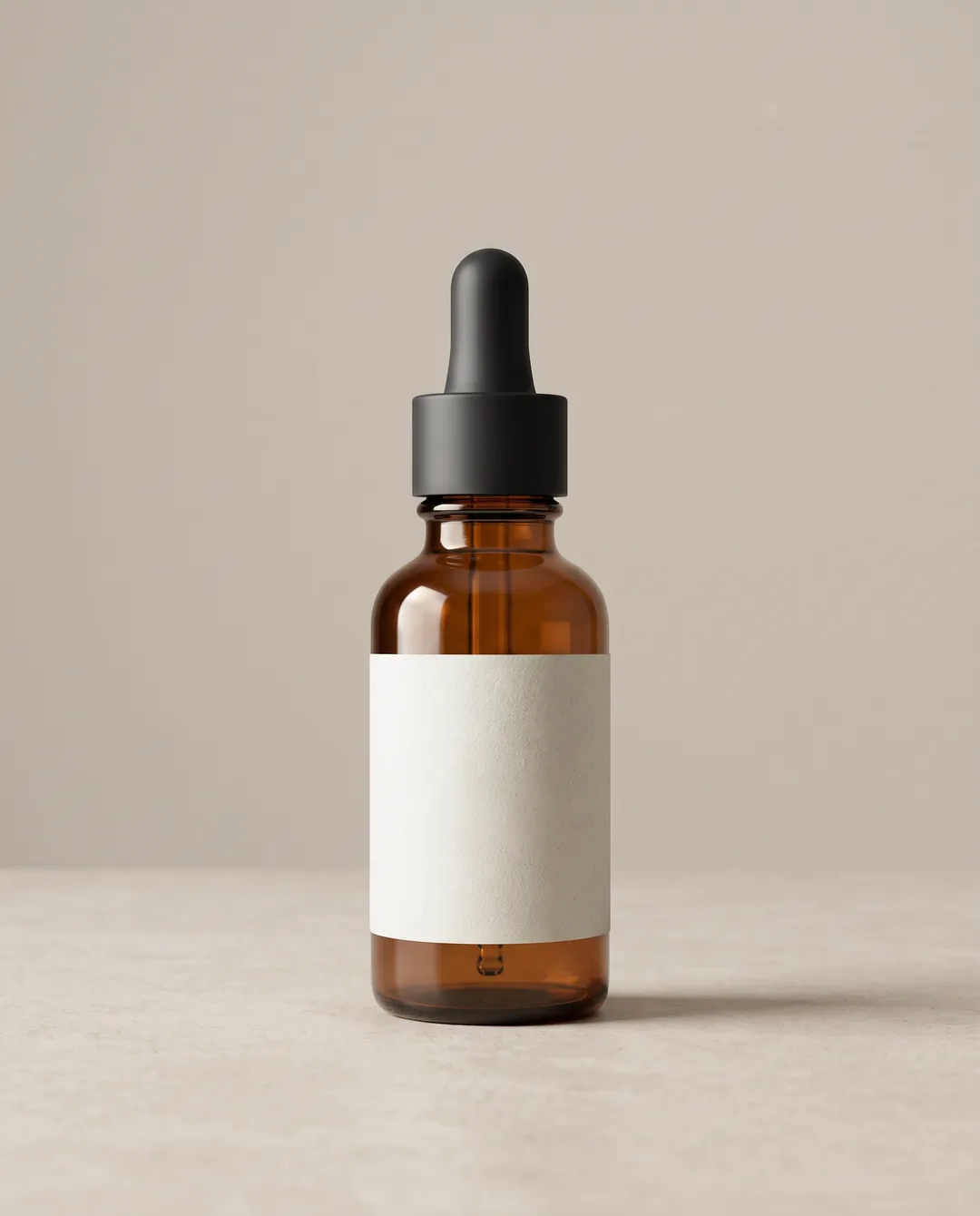
Studio · Feed 4:5
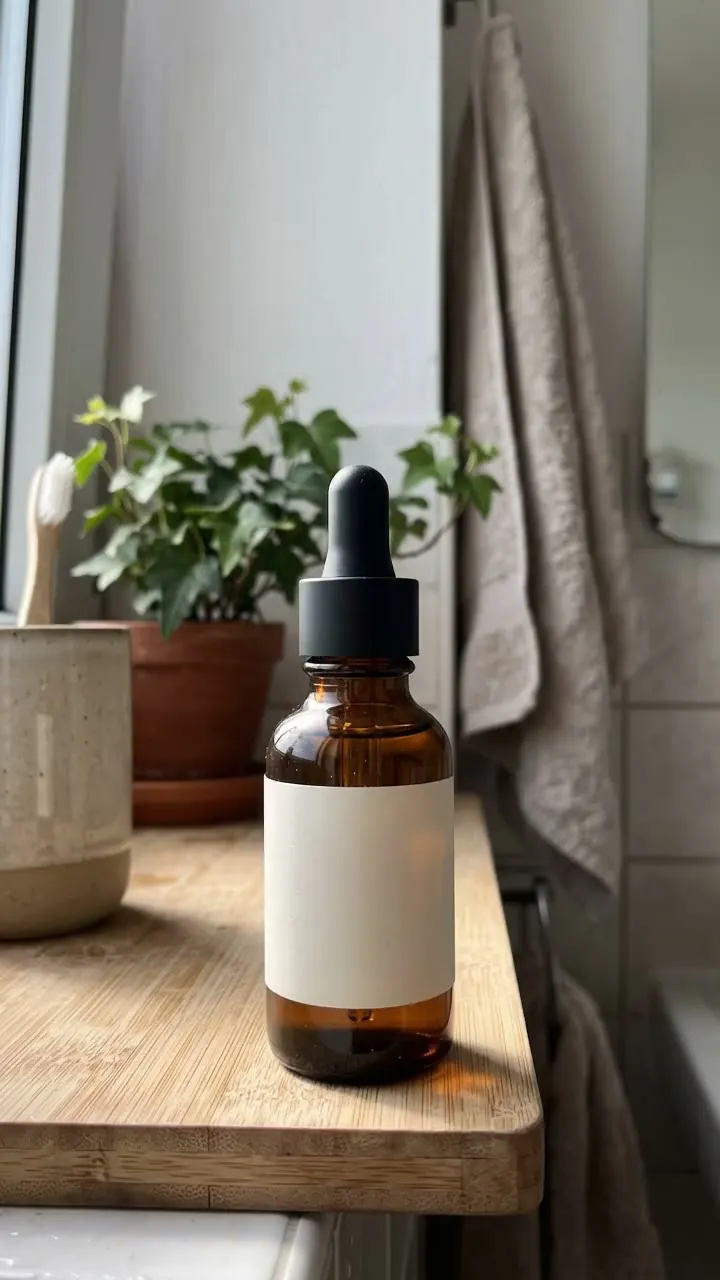
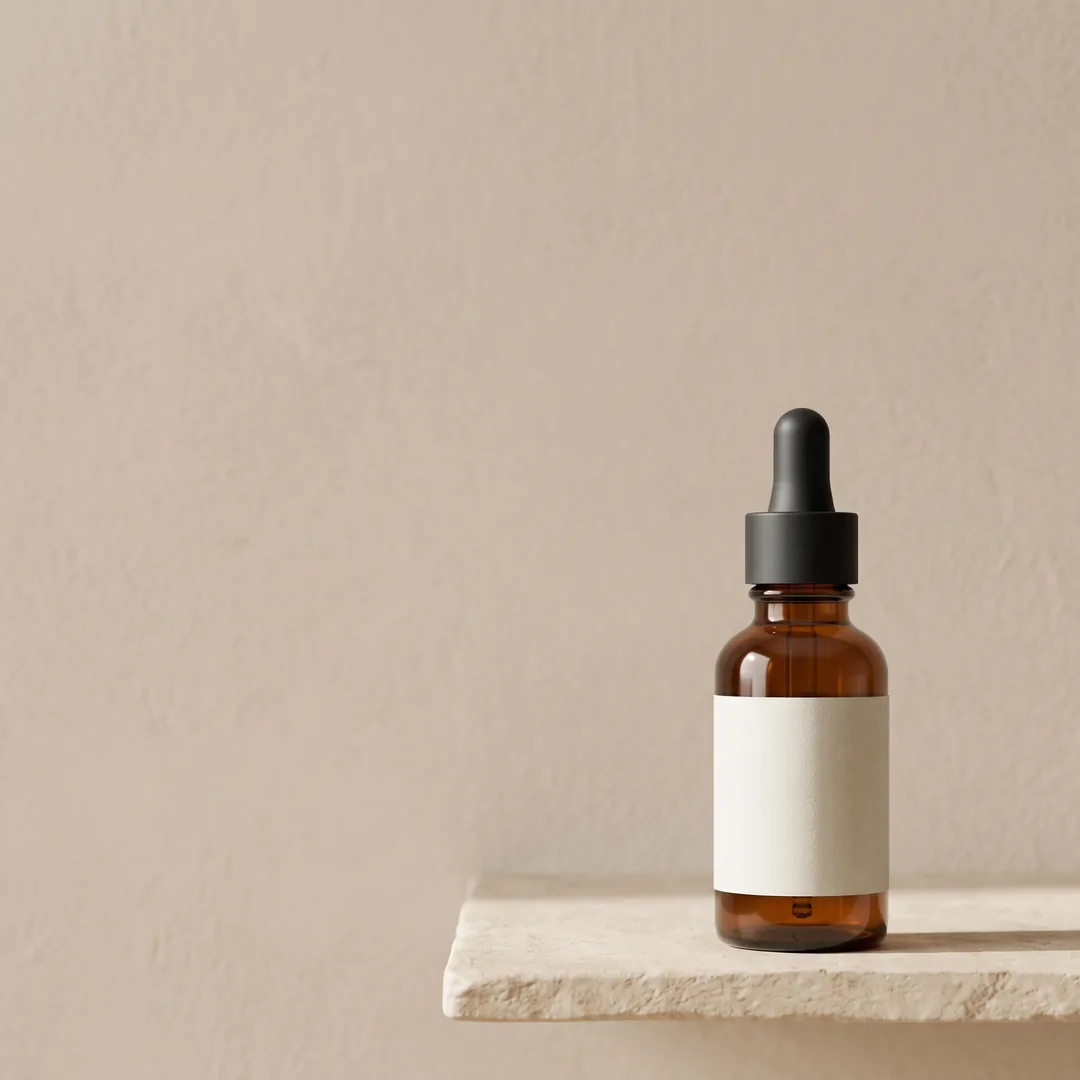
Minimal · Square 1:1
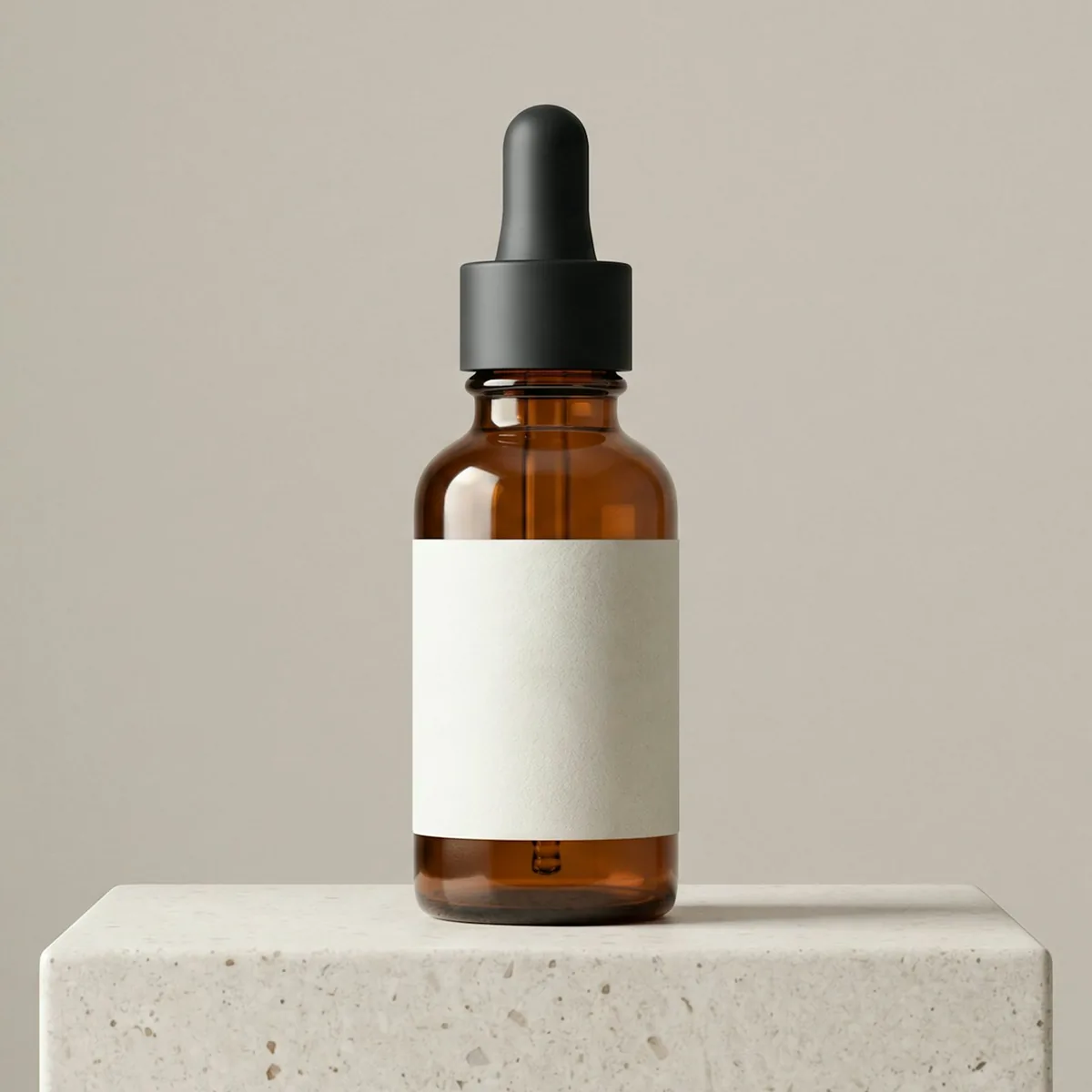
One photo in, a whole campaign out
Pick a product. Every image and video here was made by the AI Ad Creator from the one product photo beside it.
The product photo
Skincare
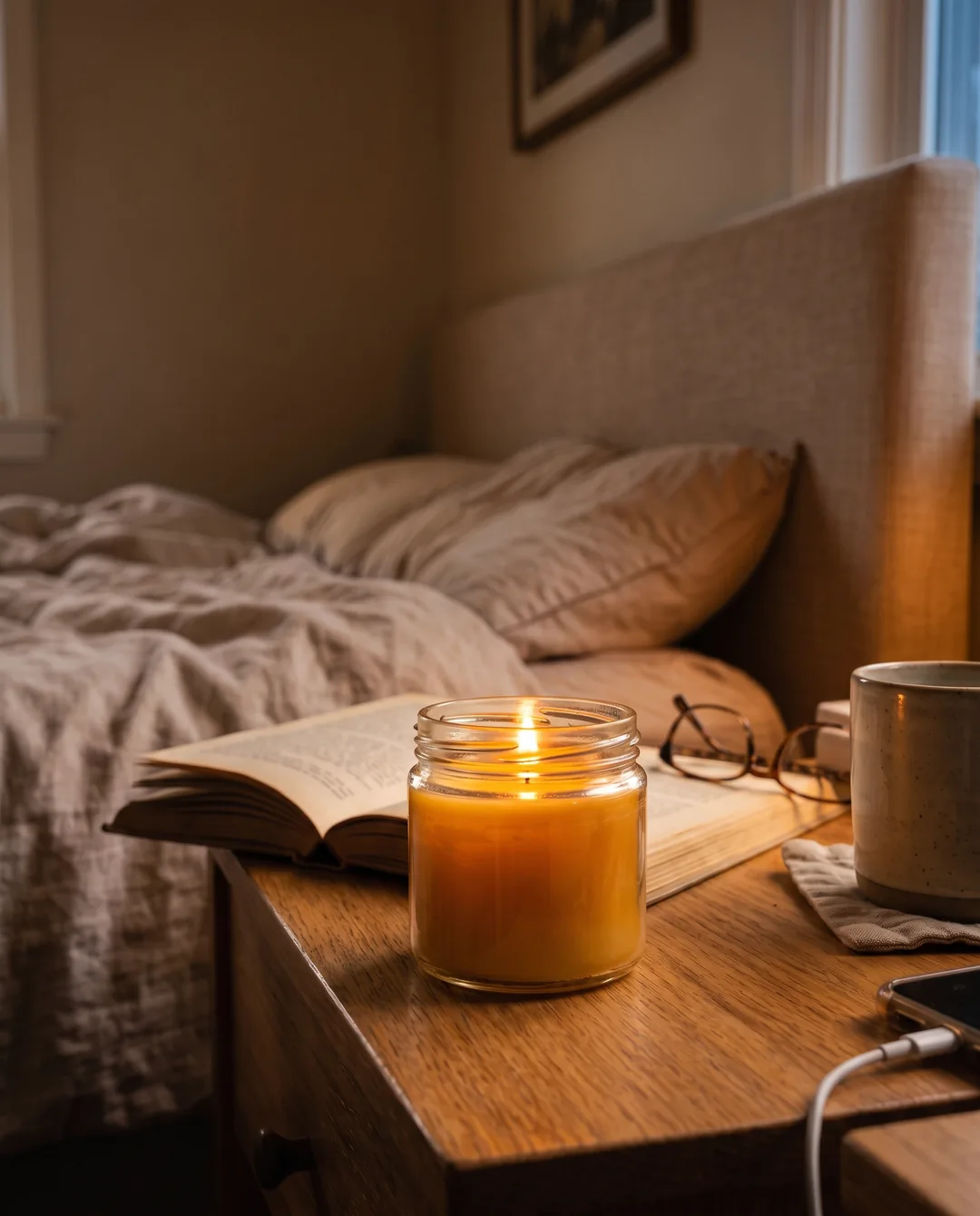
From this one photo, the AI Ad Creator made 4 images in 4 styles and 3 formats, and a 6-second video.
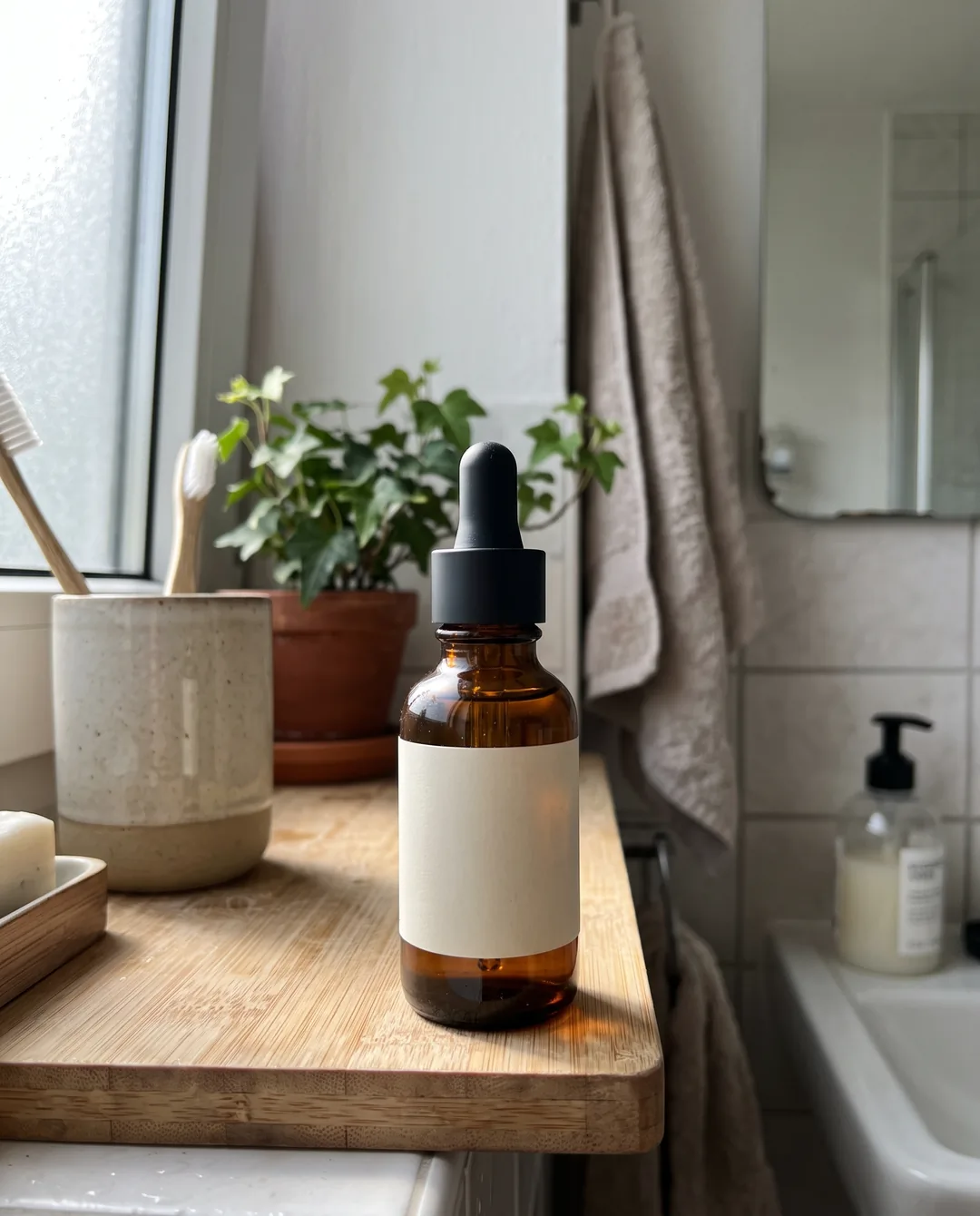
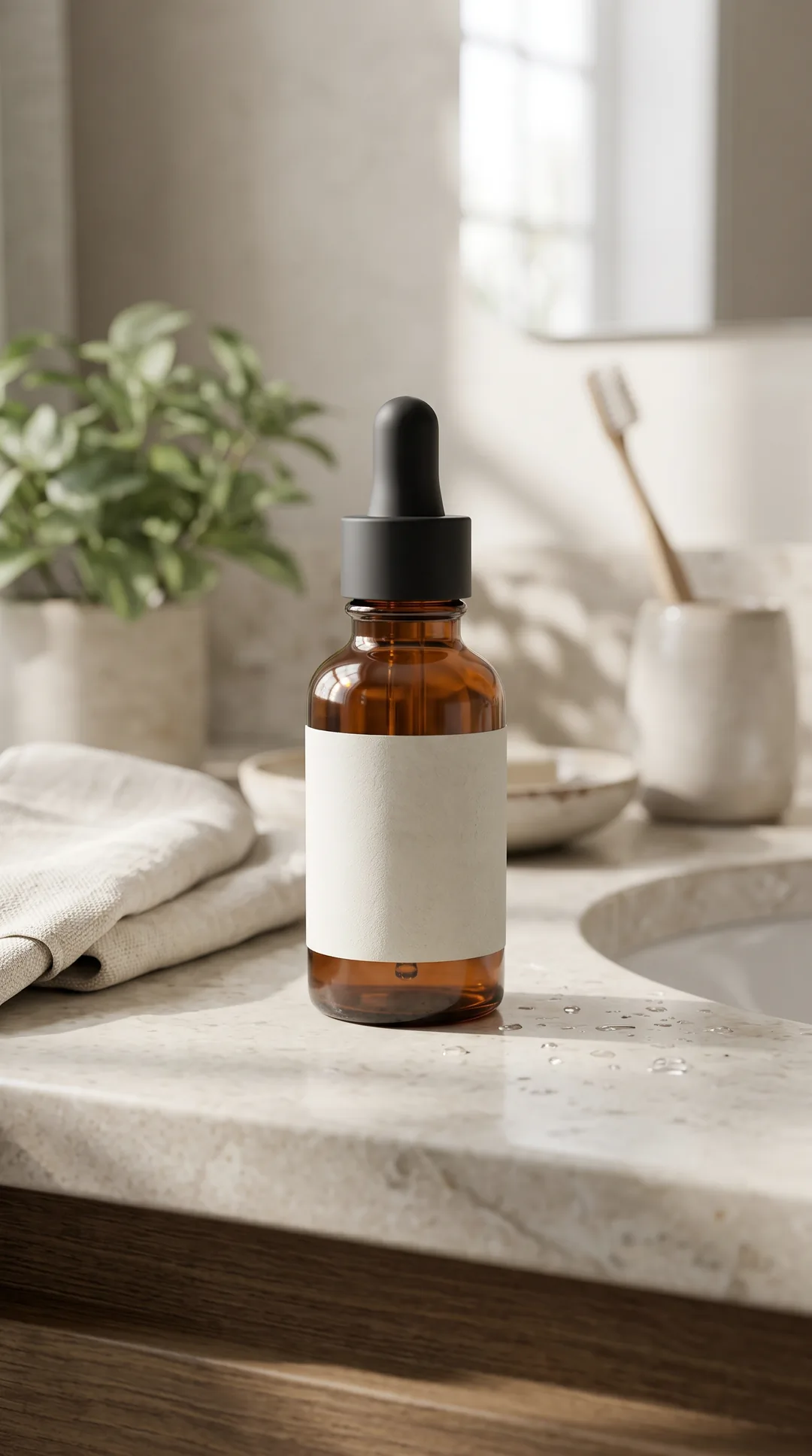
Your products next
Pick any product in your Shopify store and make its own set in minutes.

The product photo
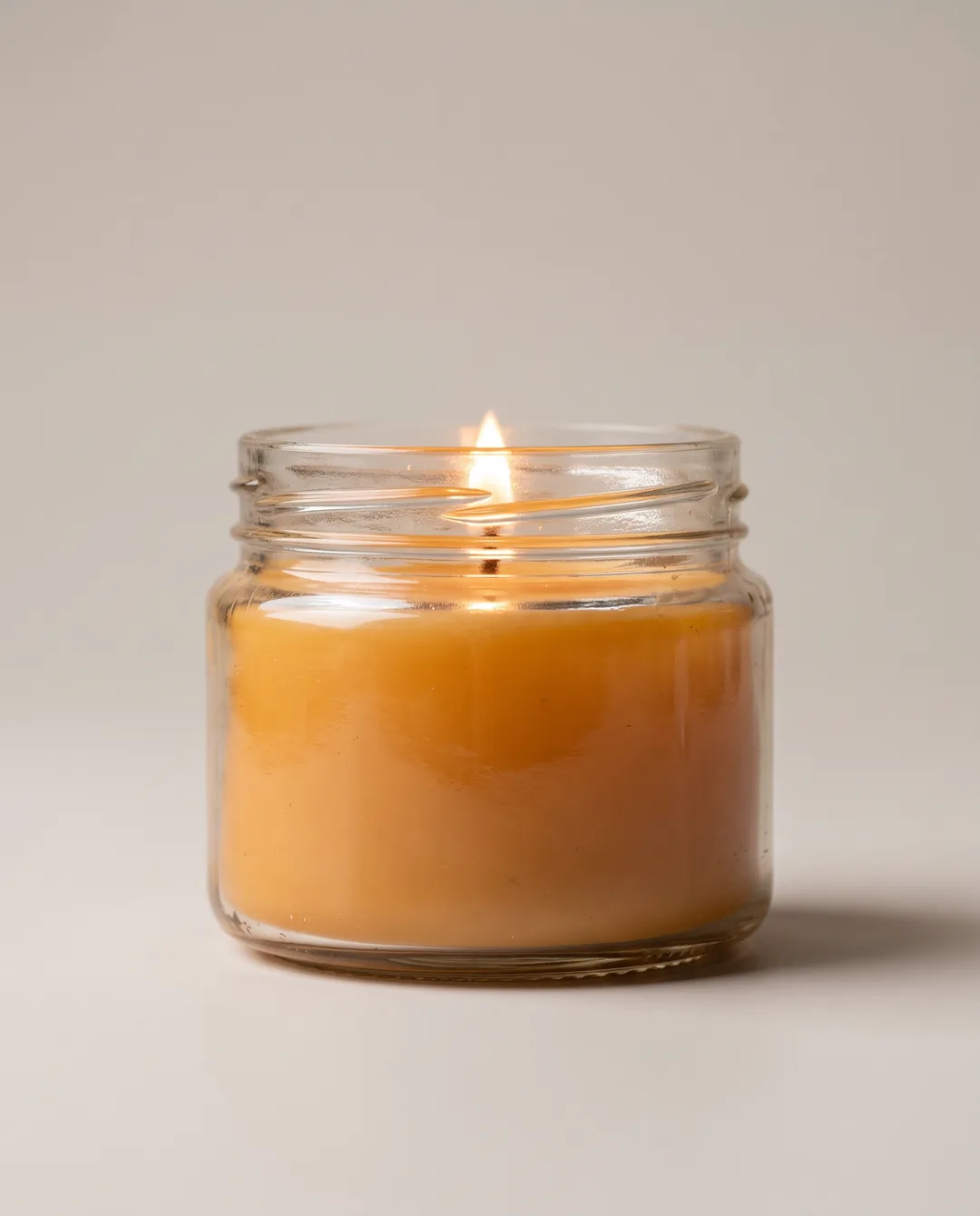
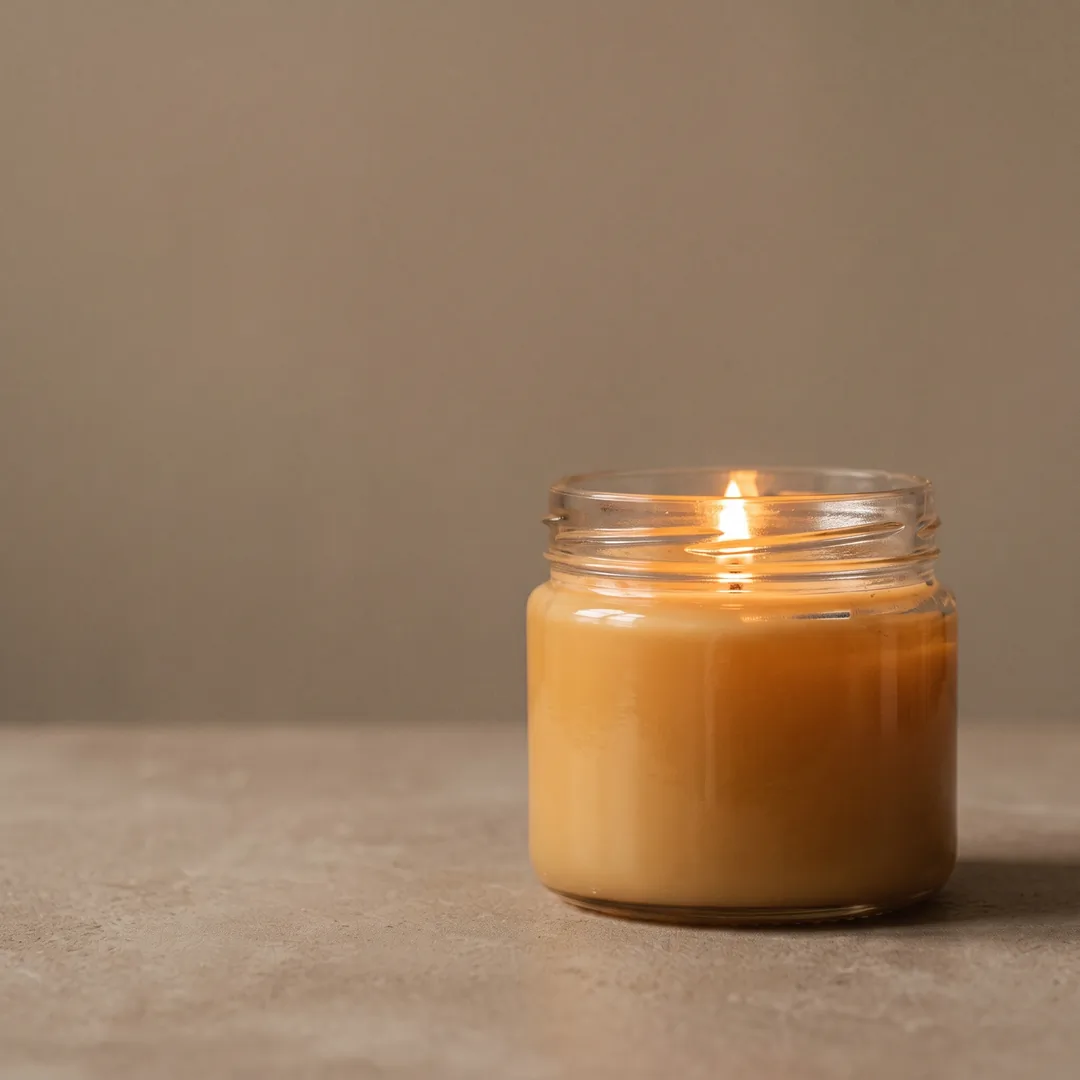
Home fragrance
From this one photo, the AI Ad Creator made 4 images in 4 styles and 3 formats, and a 6-second video.
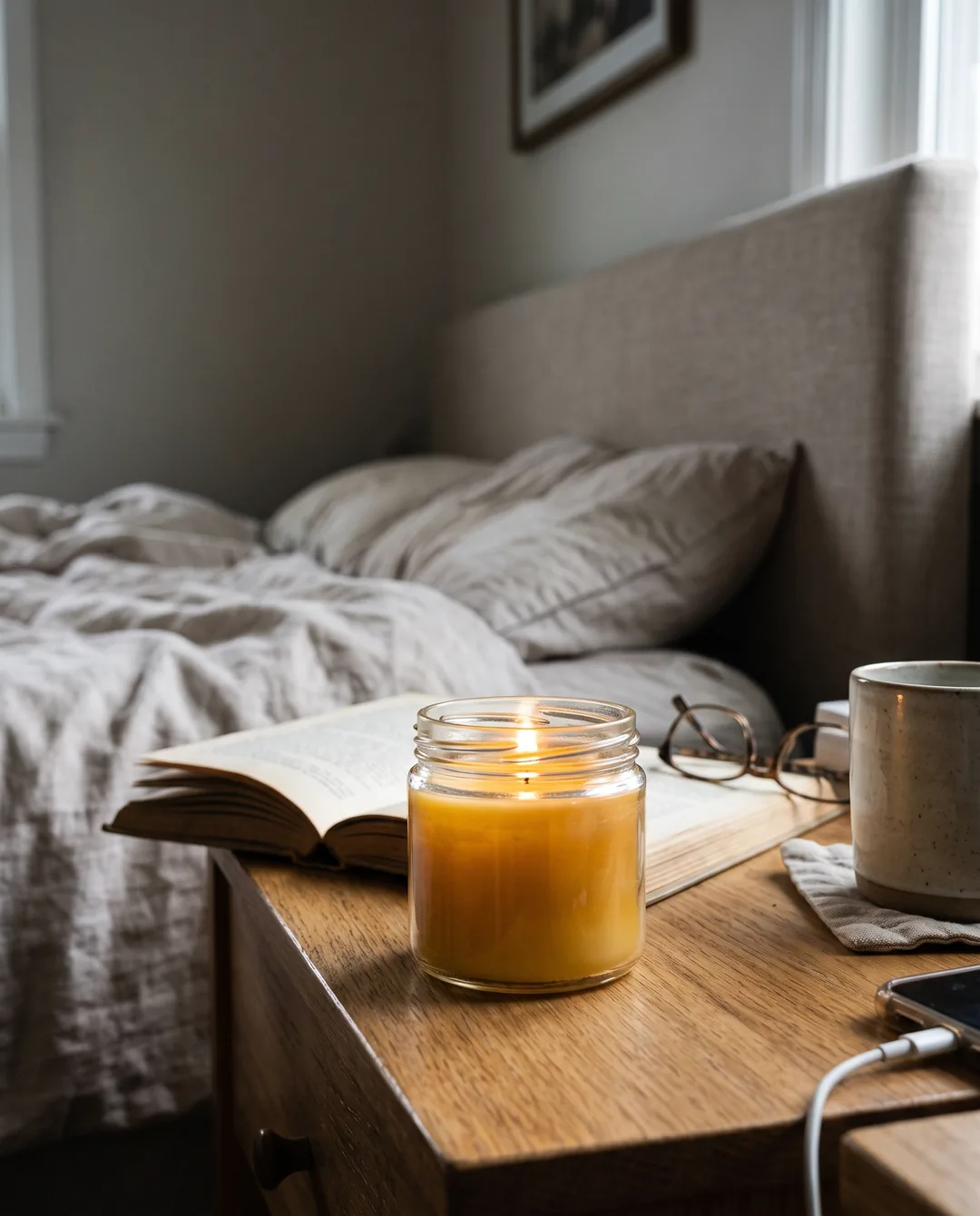


Your products next
Pick any product in your Shopify store and make its own set in minutes.

The product photo
Kitchen
From this one photo, the AI Ad Creator made 3 images in 3 styles and 3 formats, and a 6-second video.




Your products next
Pick any product in your Shopify store and make its own set in minutes.
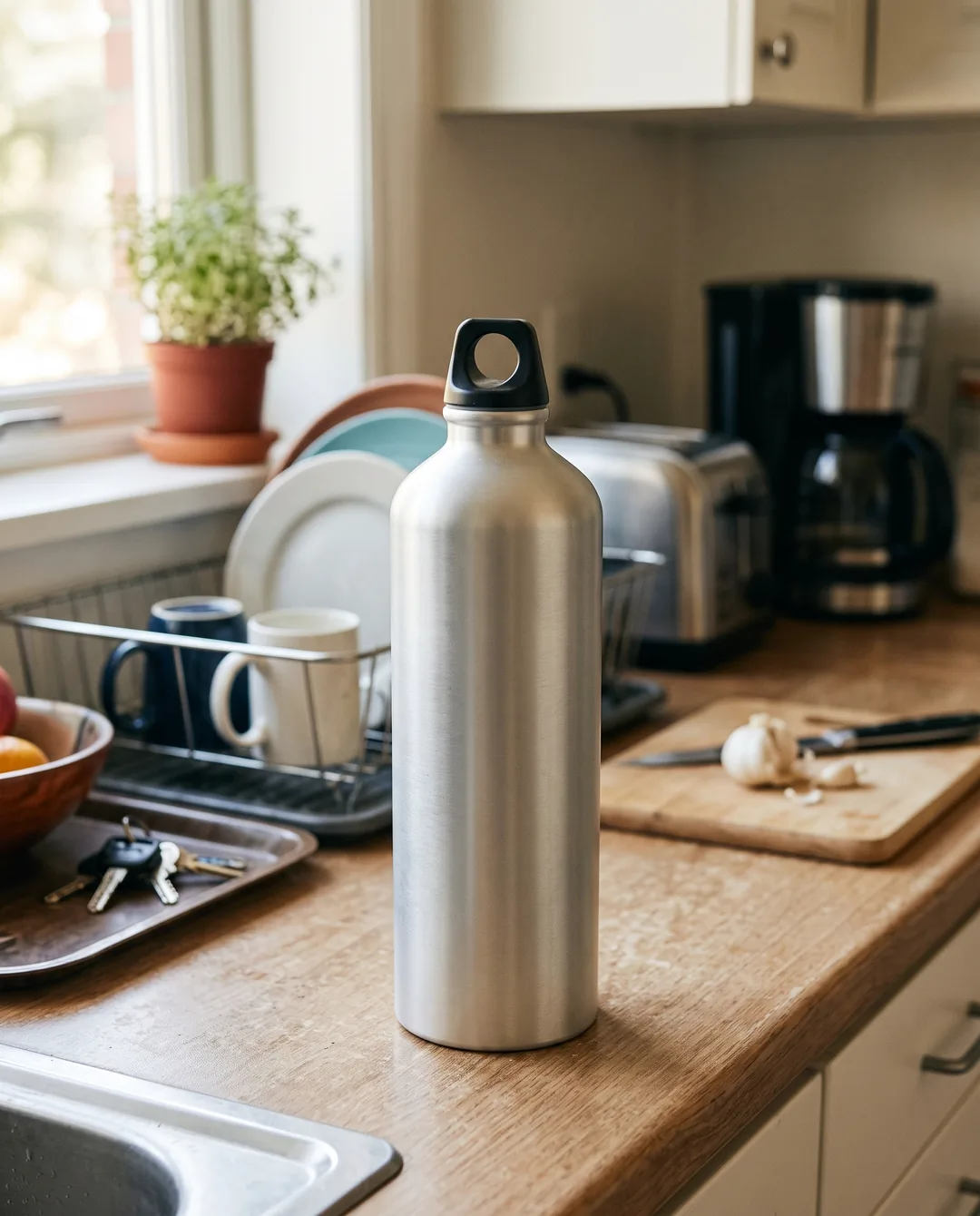
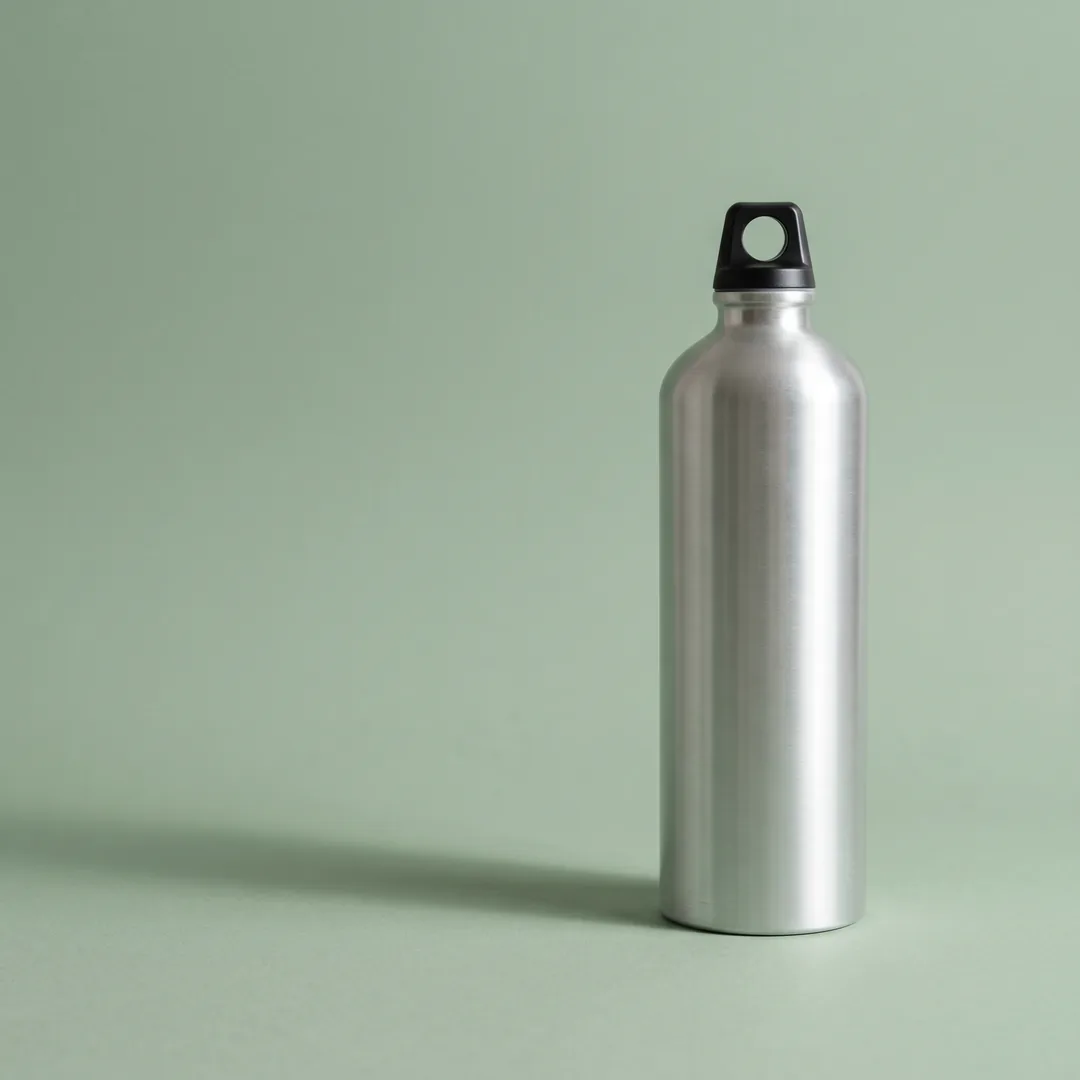
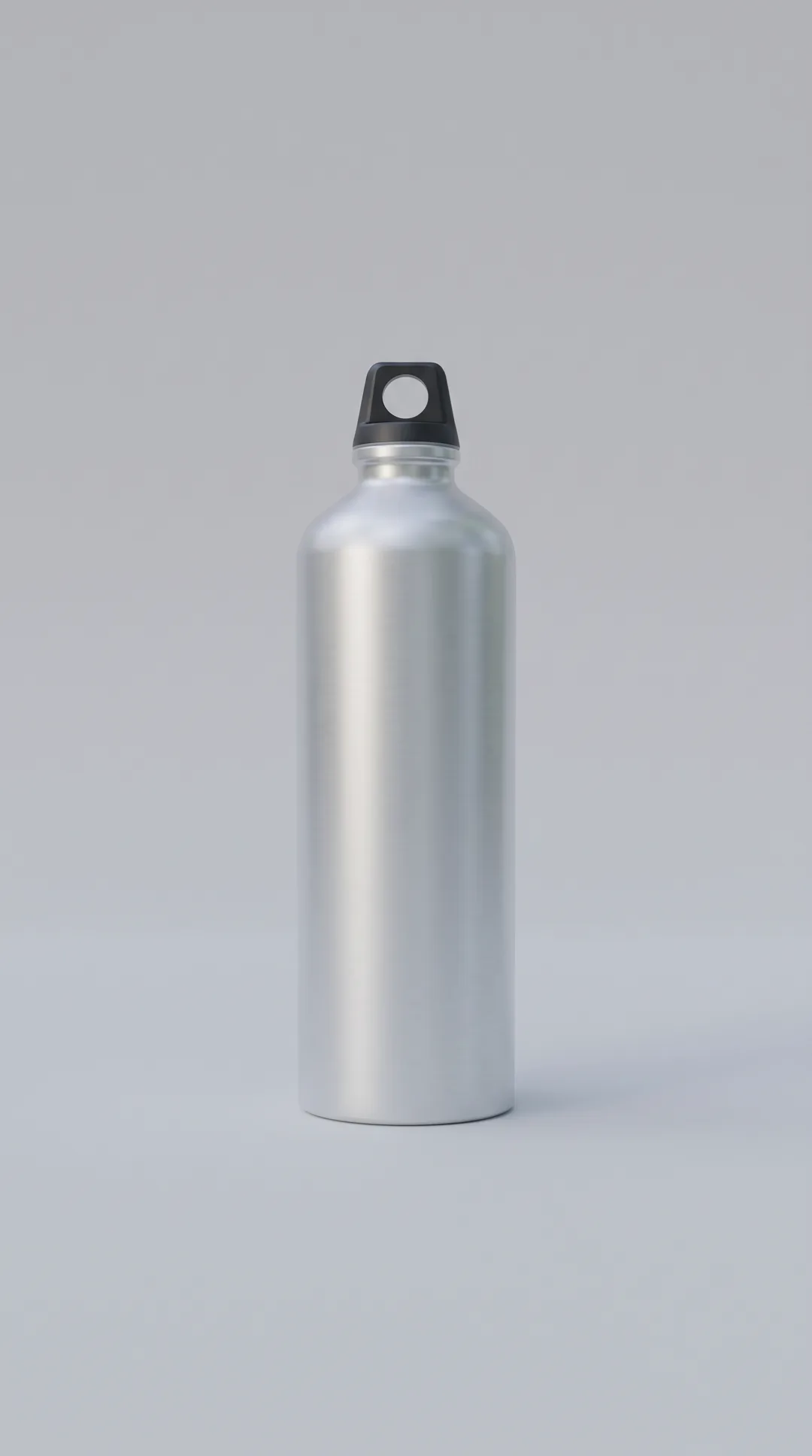
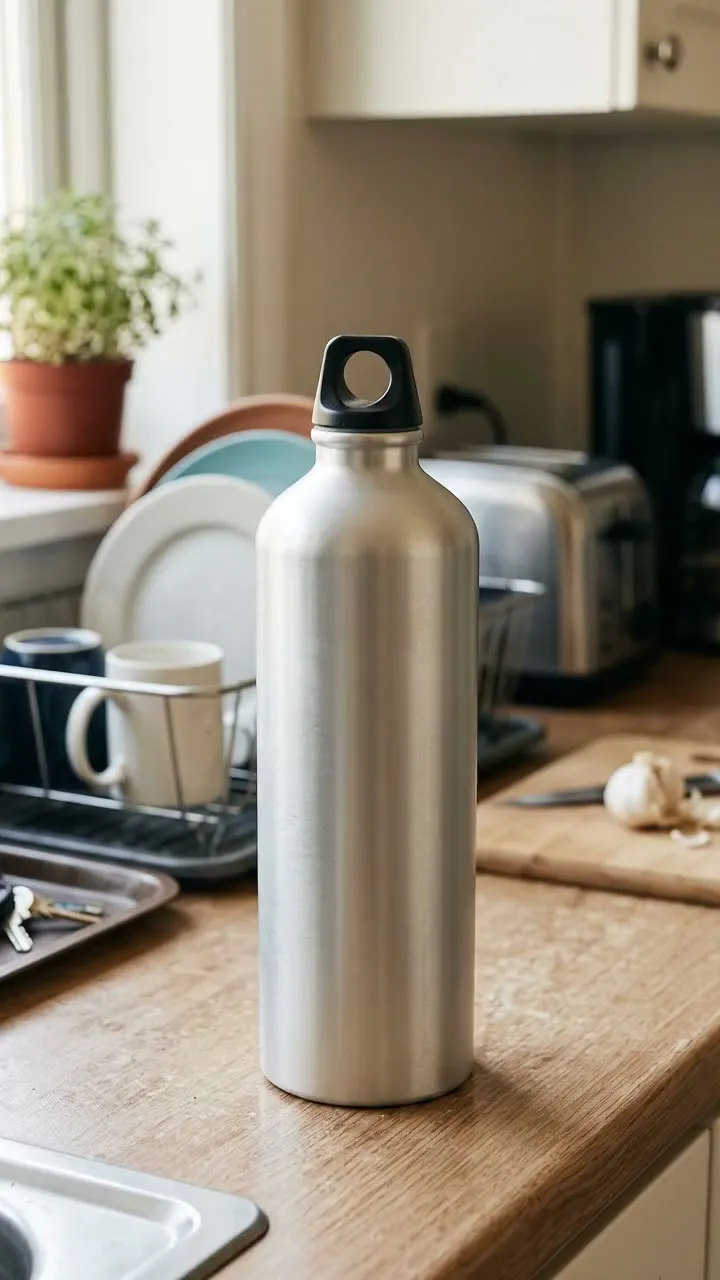
The product photo
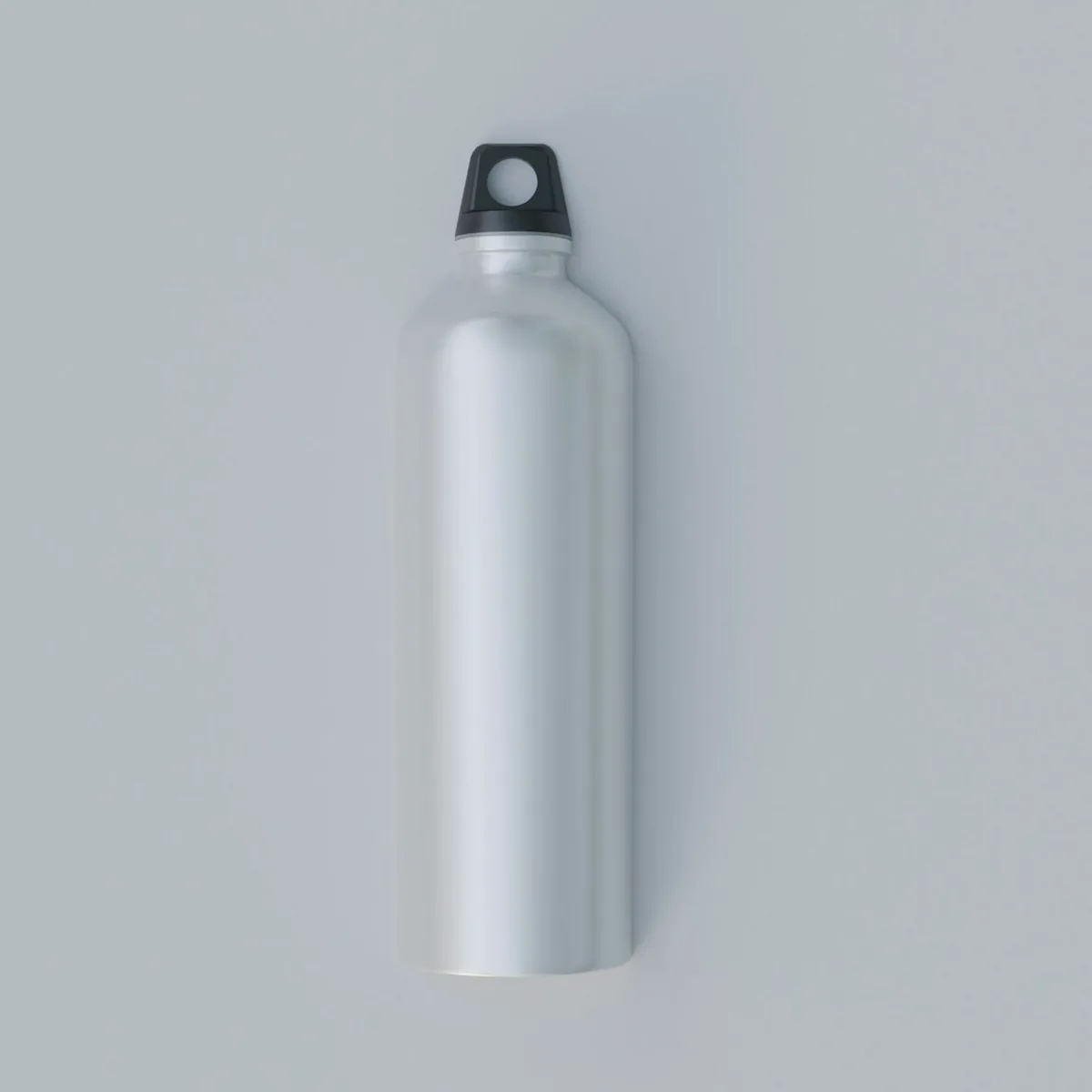
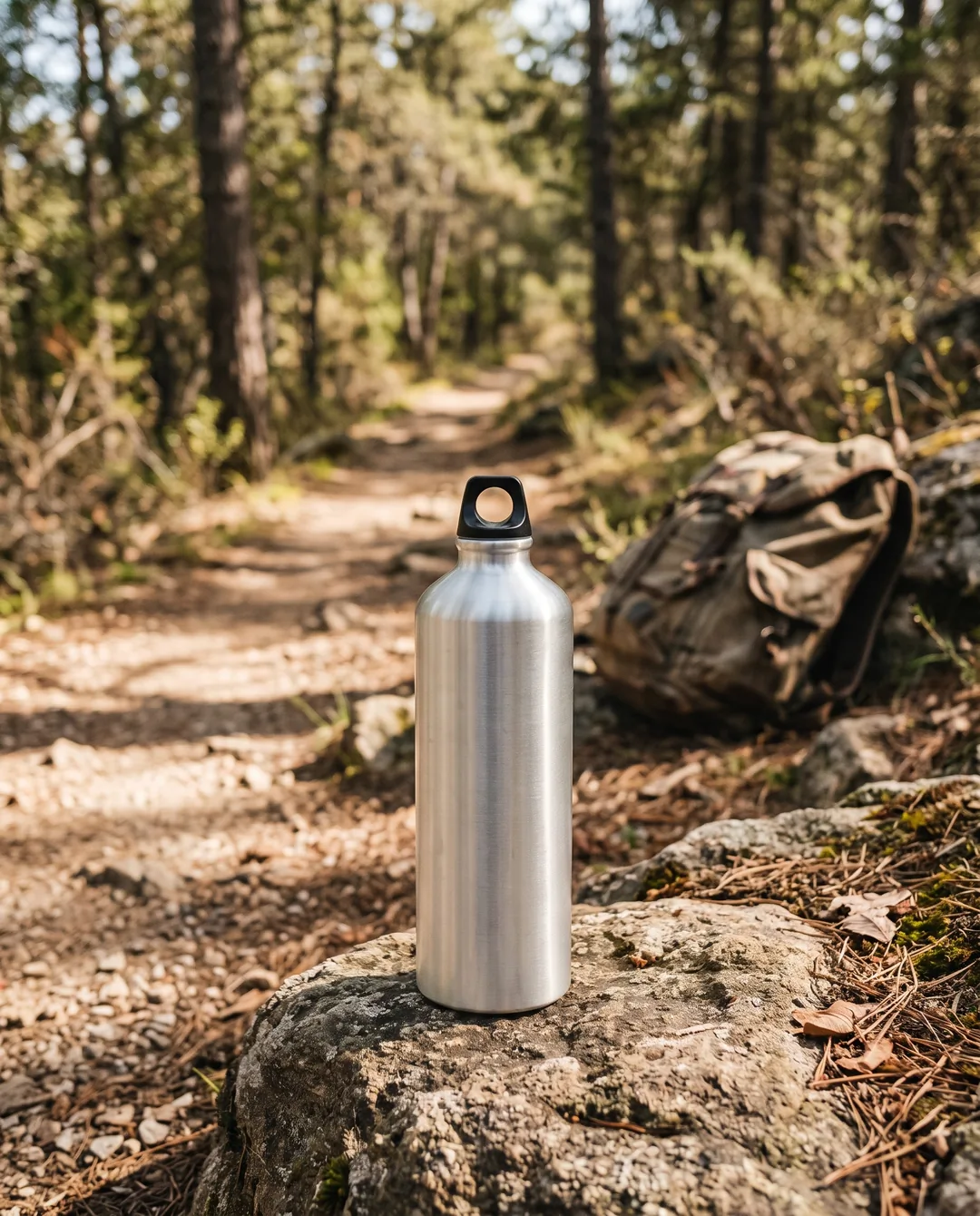
Outdoor
From this one photo, the AI Ad Creator made 4 images in 4 styles and 3 formats, and a 6-second video.
Your products next
Pick any product in your Shopify store and make its own set in minutes.
Product photos: Avtar Singh (Amber glass face serum), Hans Vivek (Glass jar candle), Kostas Vourou (Yellow ceramic mug) and PersonalGraphic.com (Aluminium water bottle) on Unsplash (Unsplash License). The ads were made from them by PixlBridge's AI Ad Creator.
Preview as ad
Feed 4:5 for Facebook and Instagram feeds, Square 1:1 wherever a square fits, and Stories/Reels 9:16, full screen. “Preview as ad” shows each one in a plain feed post before you download it.
Videos: 6 or 10 seconds, in Stories/Reels 9:16 or Landscape 16:9, with a camera motion: Slow zoom, Orbit, Pan or Handheld. Each one starts from an image you approved.
UGC look
UGC (user-generated content) is the casual, shot-on-a-phone style that feels at home in a feed. The AI Ad Creator gives your product that look from the photo you already have: no shoot, no samples to post, no waiting.
AI video · 6 s · Handheld
UGC look · Feed 4:5
UGC look · Stories/Reels 9:16
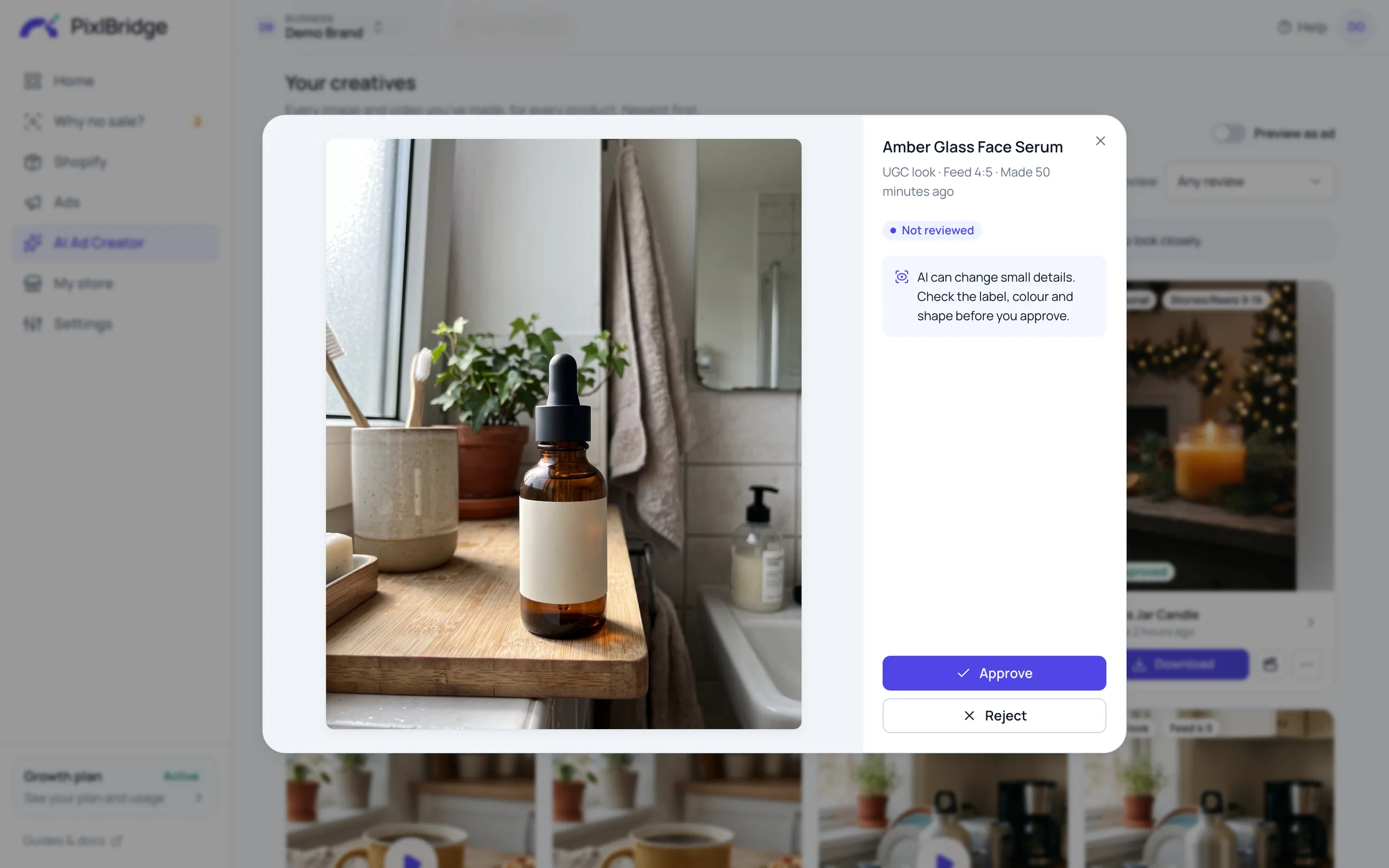
Before you approve, check the
You stay in control
The AI builds a new scene around your product and is told to leave the product itself alone. Then you decide what's good enough to use.
The AI is told to keep its shape, colours, materials, label and logo as they are in your photo. Only the scene is new.
The AI never adds faces. Lifestyle and the UGC look may show a hand. Videos have ambient sound only.
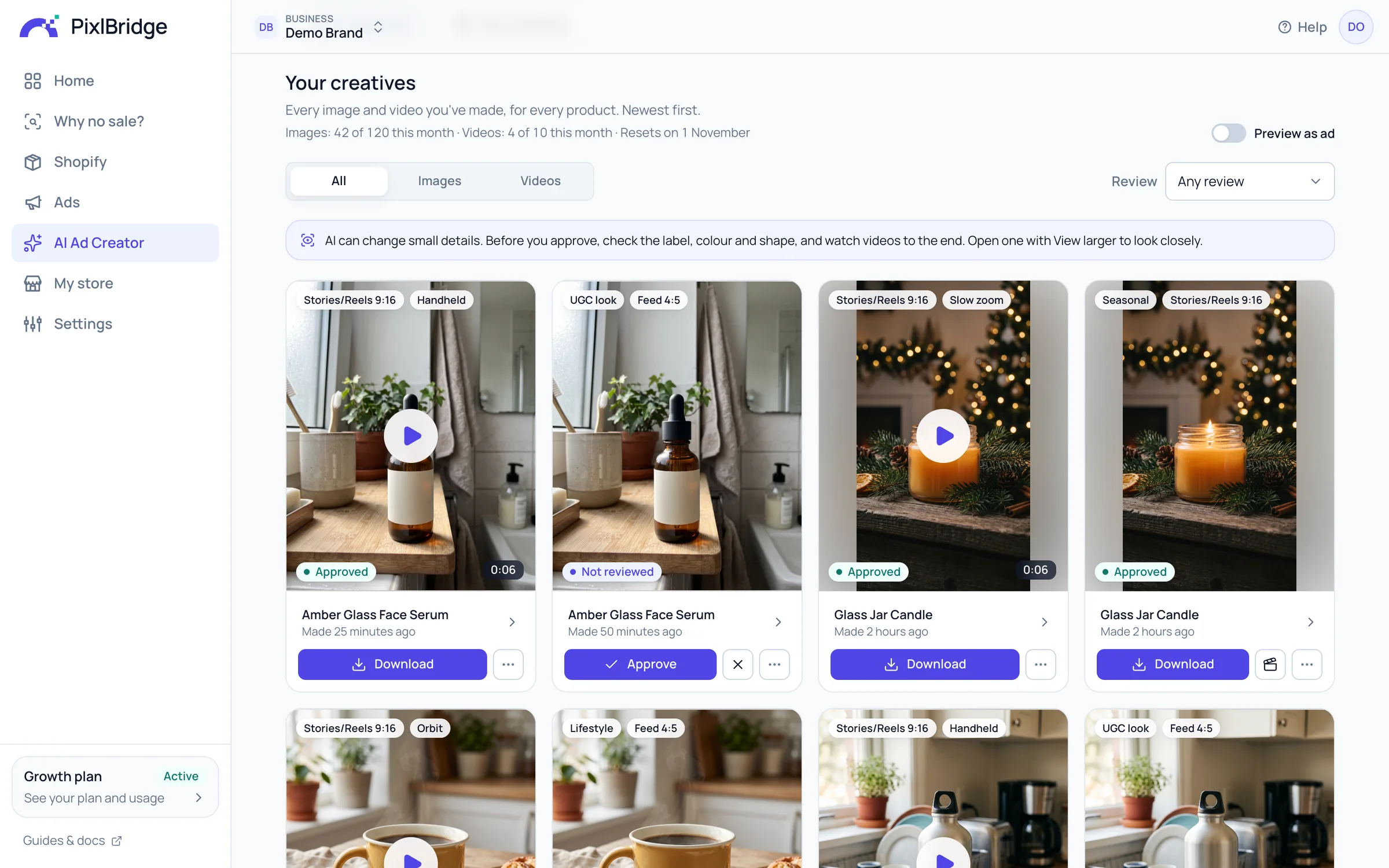
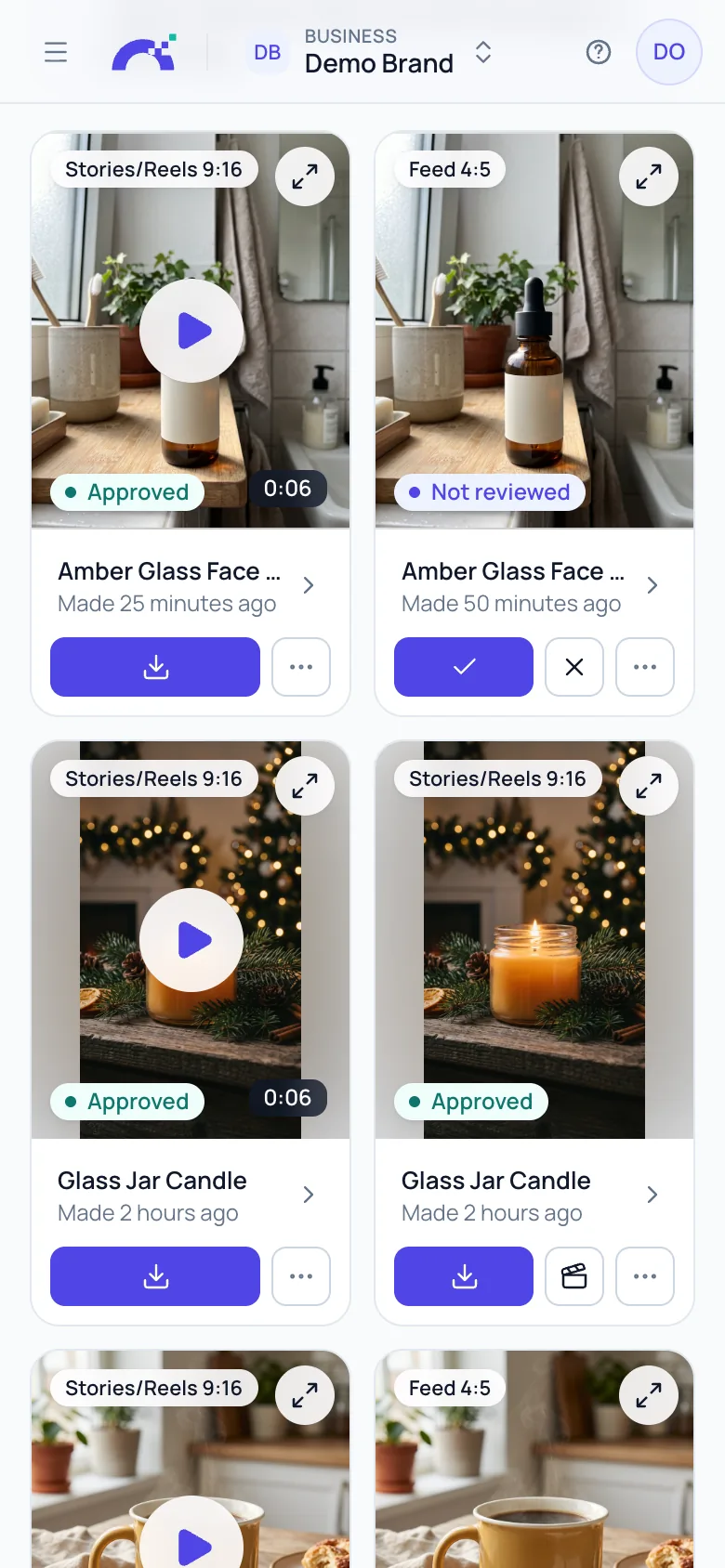
Every new image and video comes with a reminder to check the label, colour and shape. Open one with View larger to look closely, then approve or reject it.
Only approved images and videos can be downloaded, and only an approved image can become a video.
Stored privately and shown only to your business, through links that expire within minutes.
Fine-tune every ad
Keep the images you like and build on them: edit one by saying what should change, make more in the same look, check your photo before you start, and get ad text written for the people most likely to buy.
Say what should change, like “warmer light” or “on a marble counter”. You get a new version with that change, your product as it was, and the original stays.
What should change?
Warmer light, like a cosy evening
Found one you love? Make 1 to 4 more in the same look: the same kind of setting, light and mood, from a new angle.


Another photo from the same shoot: a new angle, the same product.
Before you make anything, it looks at your product photo the way the AI will: the light, the sharpness, the background and whether the whole product is in the photo. You get a verdict and tips for better results, and you can still use any photo.
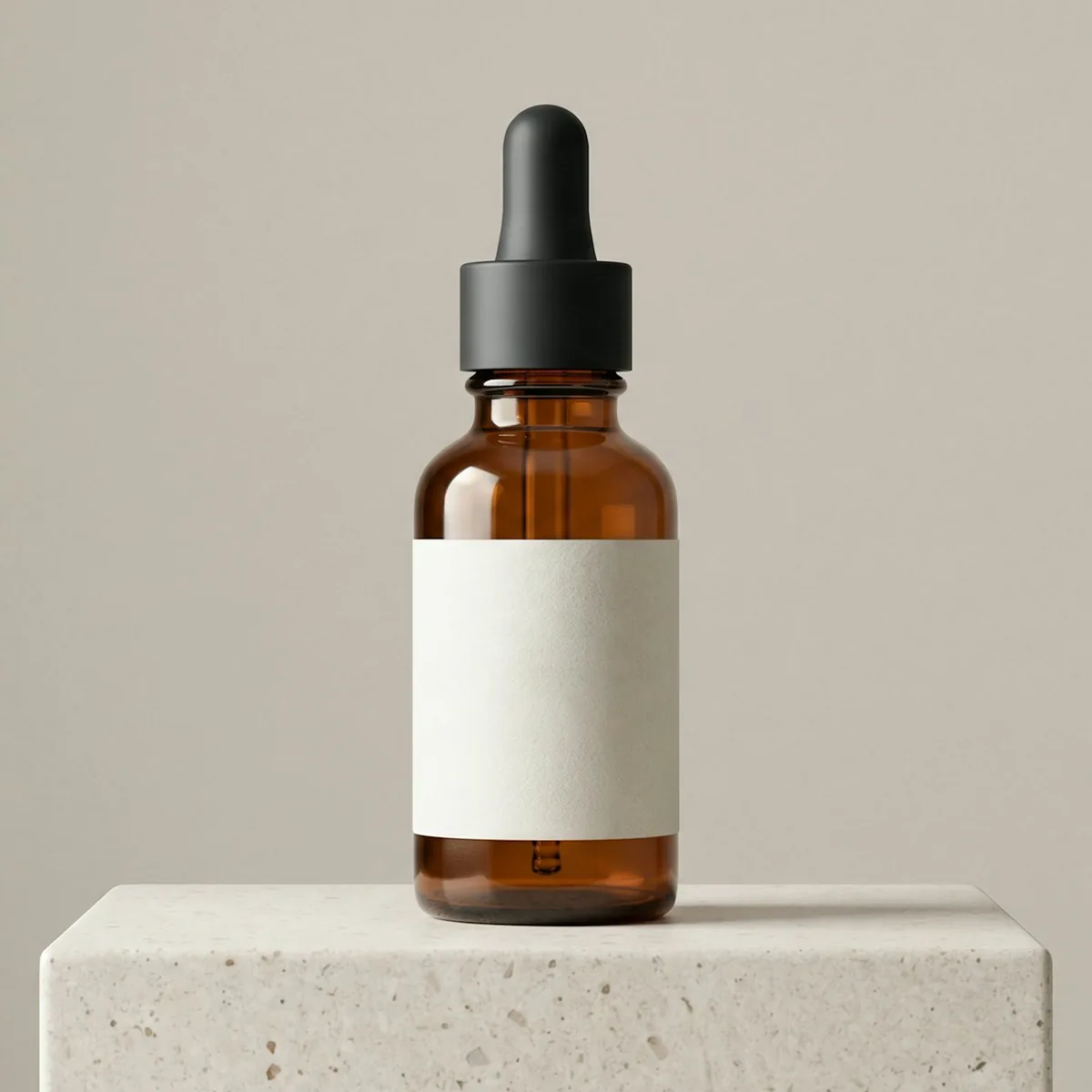
Photo check
Amber glass face serum
Good photoNothing to change: ready for every style.

Photo check
Yellow ceramic mug
Could be betterTips
It finds three likely buyers of your product and writes a primary text, headline and description for each, in about 5–15 seconds. Add up to 5 ad texts that worked for you and it keeps your voice. Every claim comes from your product page or your own texts: discounts, free shipping and promises it wasn't given are left out.
From your product page
Glass jar candle$24.00
Hand-poured soy wax candle in a clear glass jar with a cotton wick. A warm amber scent with notes of vanilla and sandalwood. About 40 hours of burn time. 200 g.
Your ad text (optional)
Light it and slow down.
Evening unwinder
Cares about: Looking to relax at the end of a long day with a cozy home fragrance.
Primary text · above the picture
Light it and slow down. Enjoy a warm amber scent with notes of vanilla and sandalwood for about 40 hours of burn time.
Headline · under the picture
Light it and slow down
Description · under the headline
About 40 hours of burn time
Based on: “Light it and slow down” · “A warm amber scent with notes of vanilla and sandalwood” · “About 40 hours of burn time”
Home fragrance enthusiast
Cares about: Values carefully crafted candles with clean materials like soy wax and cotton wicks.
Primary text · above the picture
A hand-poured soy wax candle in a clear glass jar with a cotton wick. Notes of vanilla and sandalwood bring warm amber scent to your space.
Headline · under the picture
Hand-poured soy wax candle
Description · under the headline
Clear glass jar candle
Based on: “Hand-poured soy wax candle in a clear glass jar with a cotton wick” · “A warm amber scent with notes of vanilla and sandalwood”
Cozy space creator
Cares about: Wants to create an inviting atmosphere in their room with a warm, lasting scent.
Primary text · above the picture
Bring home fragrance into your space. This 200 g hand-poured soy wax candle offers a warm amber scent and about 40 hours of burn time.
Headline · under the picture
Warm amber home fragrance
Description · under the headline
200 g glass jar candle
Based on: “Home fragrance” · “200 g” · “Hand-poured soy wax candle in a clear glass jar with a cotton wick” · “About 40 hours of burn time”
An edit or a new image from More like this uses one image from your plan's monthly allowance. Photo check is free, and ad text is included: up to 30 sets a day.
How it works
No shoot, no designer, no prompts to write. PixlBridge writes the instructions for the AI, and you choose.
Choose any product from your connected Shopify store. Its photos come with it.
From your Shopify store
Studio, Lifestyle, UGC look, Minimal and Seasonal, in Feed 4:5, Square 1:1 and Stories/Reels 9:16. Add a note if you like, and make 1 to 4 at a time.
About 10–20 seconds an image
Approve the ones you like, edit one in a sentence or make more like it, turn one into a video of 6 or 10 seconds, and get ad text for your buyers. “Your creatives” keeps them all.
About 1–3 minutes a video
“Your creatives” keeps every product's images and videos, with filters for images, videos and review, “Preview as ad” and Download. This is the AI Ad Creator in PixlBridge.
The old way vs PixlBridge
Photo shoots and UGC creators make great ads. They also take days or weeks, and you pay for every shoot, photo or video. The AI Ad Creator starts from the product photo you already have.
| What | Photo shoots and UGC creators | PixlBridge AI Ad Creator |
|---|---|---|
| Getting started | Find a photographer or a creator, agree a brief and post them your product | Pick a product that's already in your Shopify store |
| Waiting | Days or weeks for the shoot, the edits and the changes | Images in about 10–20 seconds, videos in about 1–3 minutes |
| Cost | You pay for each shoot, photo or video | Included in your plan, every month |
| Every placement | Each format is another crop, or another shoot | Feed 4:5, Square 1:1 and Stories/Reels 9:16 from the same photo |
| Creative fatigue (people tire of the same ad) | Fresh ads mean another round of shoots | New images and videos whenever you need them, within your allowance |
Getting started
Waiting
Cost
Every placement
Creative fatigue (people tire of the same ad)
Plans
Each paid plan comes with AI images and videos every month, on top of everything else PixlBridge does for your store and your ads.
Starter$79 per month
Growth$149 per month
Scale$399 per month
Your 14-day free trial includes 5 AI ad images. A plan's monthly allowance starts when you pick it.
The term first, then what it means. Still curious? Write to us any time.
A part of PixlBridge that turns a product from your Shopify store into ad images and short videos for your Facebook and Instagram ads (Meta ads). You pick the product, a style and a format. The AI makes the ads from the product's real photo, and you approve the ones you like and download them.
Images in 5 styles (Studio, Lifestyle, UGC look, Minimal and Seasonal) and 3 formats (Feed 4:5, Square 1:1 and Stories/Reels 9:16), 1 to 4 at a time. From an approved image, a video of 6 or 10 seconds in Stories/Reels 9:16 or Landscape 16:9, with a camera motion: Slow zoom, Orbit, Pan or Handheld.
It's told to keep your product exactly as it is in the photo: its shape, colours, materials, label and logo. Only the scene around it changes. AI can still get a small detail wrong, so every new image and video waits for your approval, with a reminder to check the label, colour and shape.
No. It never adds faces: no actors and no made-up customers. The Lifestyle and UGC (user-generated content) look styles may show a hand holding your product. It adds no text either, so there are no invented reviews, prices or claims. Videos have ambient sound only, no voice.
About 10–20 seconds for each image, and you can make 1 to 4 at a time. A video takes about 1–3 minutes.
Each paid plan includes a monthly allowance: Starter 40 images and 3 videos, Growth 120 images and 10 videos, Scale 400 images and 30 videos. Your 14-day free trial includes 5 AI ad images, so you can try it before you pick a plan. Videos come with a paid plan. Compare plans
They stay in “Your creatives” in PixlBridge, every product's in one place, until you delete them. They're stored privately with Cloudflare R2 and shown to you through short-lived links. To make them, PixlBridge sends Google's Gemini API the product photo you chose, the product's title, type and vendor, and your note if you add one. Google doesn't store image requests; it keeps each video request for 55 days by default, and doesn't use any of it to improve its products. Read the privacy policy
Every image and video carries Google's invisible SynthID watermark, which marks it as made with AI. And nothing pretends to be a real customer: the AI never adds faces or words.
Yes. Edit an image by saying what should change, like “warmer light” or “on a marble counter”, and you get a new version while the original stays. Found one you love? More like this makes 1 to 4 more in the same look, from a new angle. Each one uses an image from your allowance.
Yes. Ad text for your buyers finds three likely buyers of the product and writes a primary text, headline and description for each, from your product page and up to 5 ad texts that worked for you. It names buyers by what they need, never by personal traits, and every claim comes from your product page or your own texts. Check each one before you use it.
Not yet. Publishing a creative to Meta as a paused ad is coming. For now, you download the images and videos you approve, copy the ad text, and add them to your ads in Meta Ads Manager.
Try it free: your 14-day free trial includes 5 AI ad images. Then Starter, Growth and Scale include 40 to 400 images and 3 to 30 videos a month.